Business hours door decals: what to include
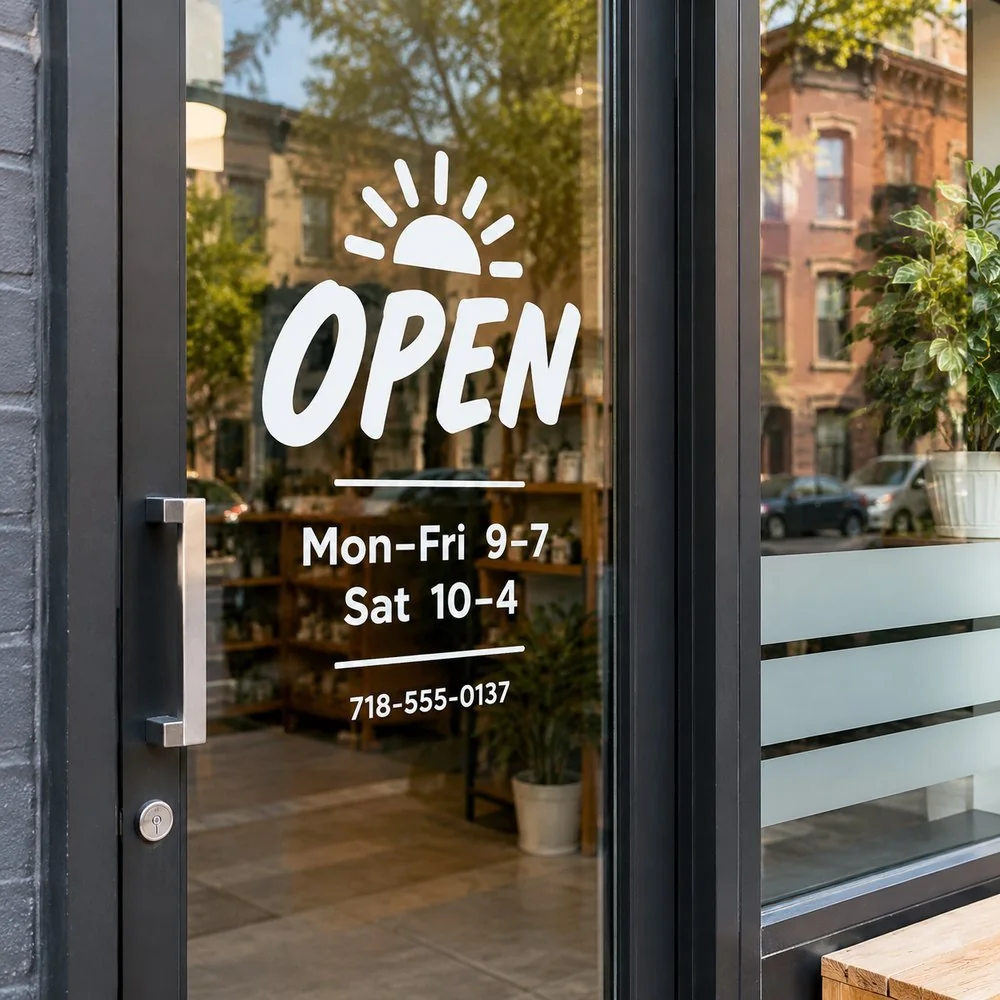
List each day and its hours in a simple column, add your phone and website, and place it on the door at eye level. White cut vinyl reads best on glass. Add a small QR code so people can open your menu, booking page or Google listing even when you are closed.
What to include
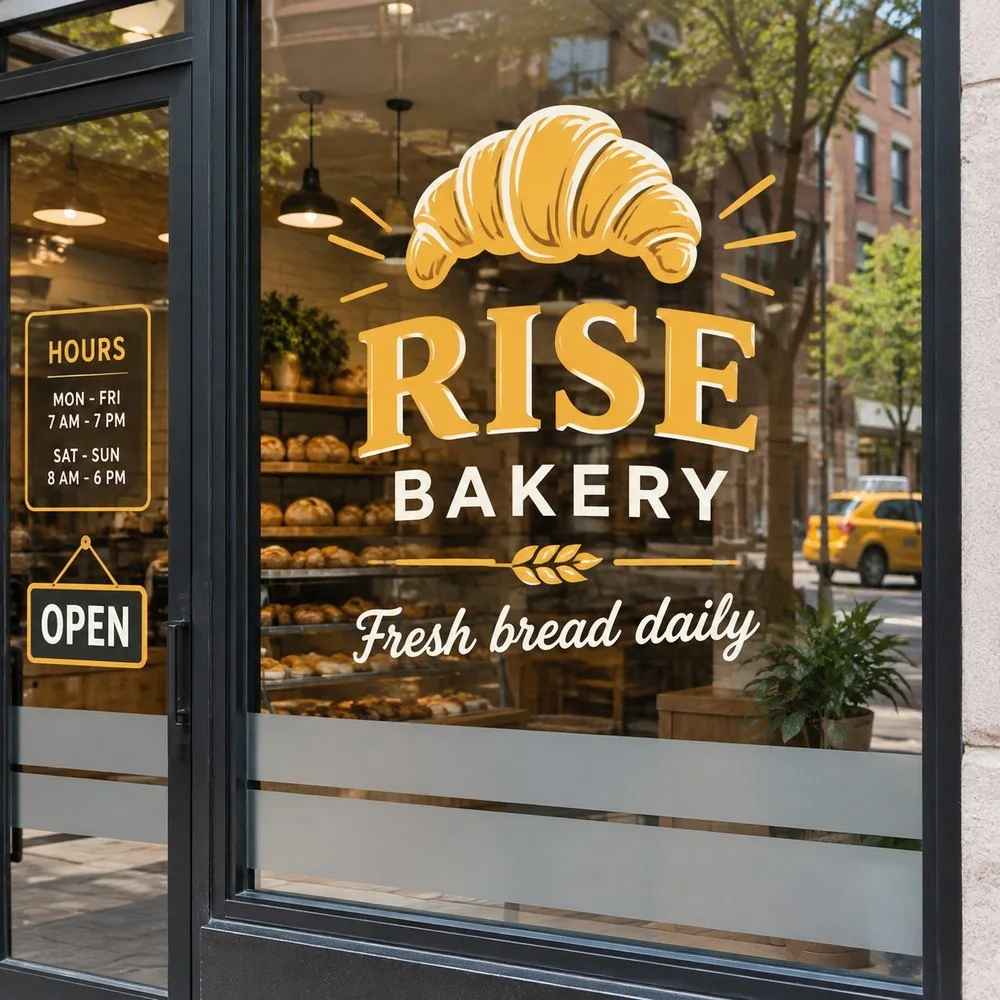
- Your business name or logo, small
- Days and hours, one line per day or grouped ("Mon–Fri 9–7")
- Phone number
- Website or Instagram handle
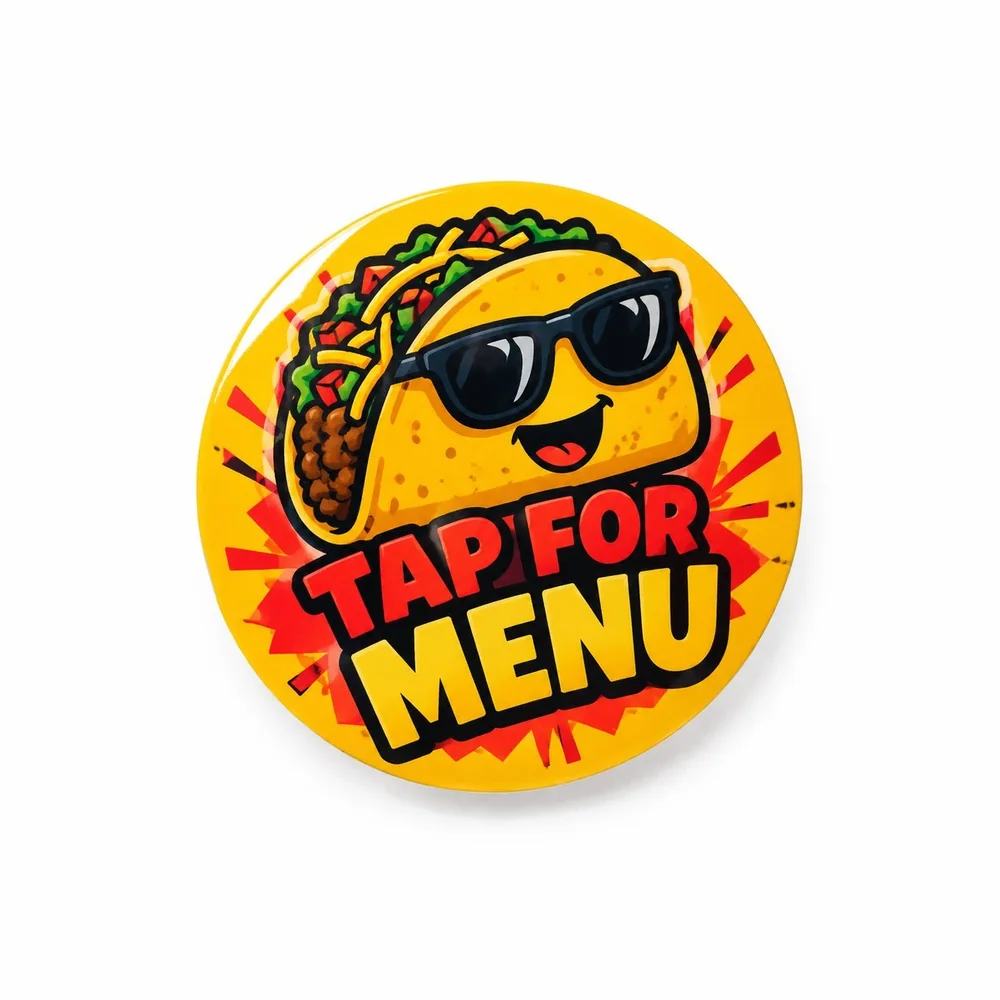
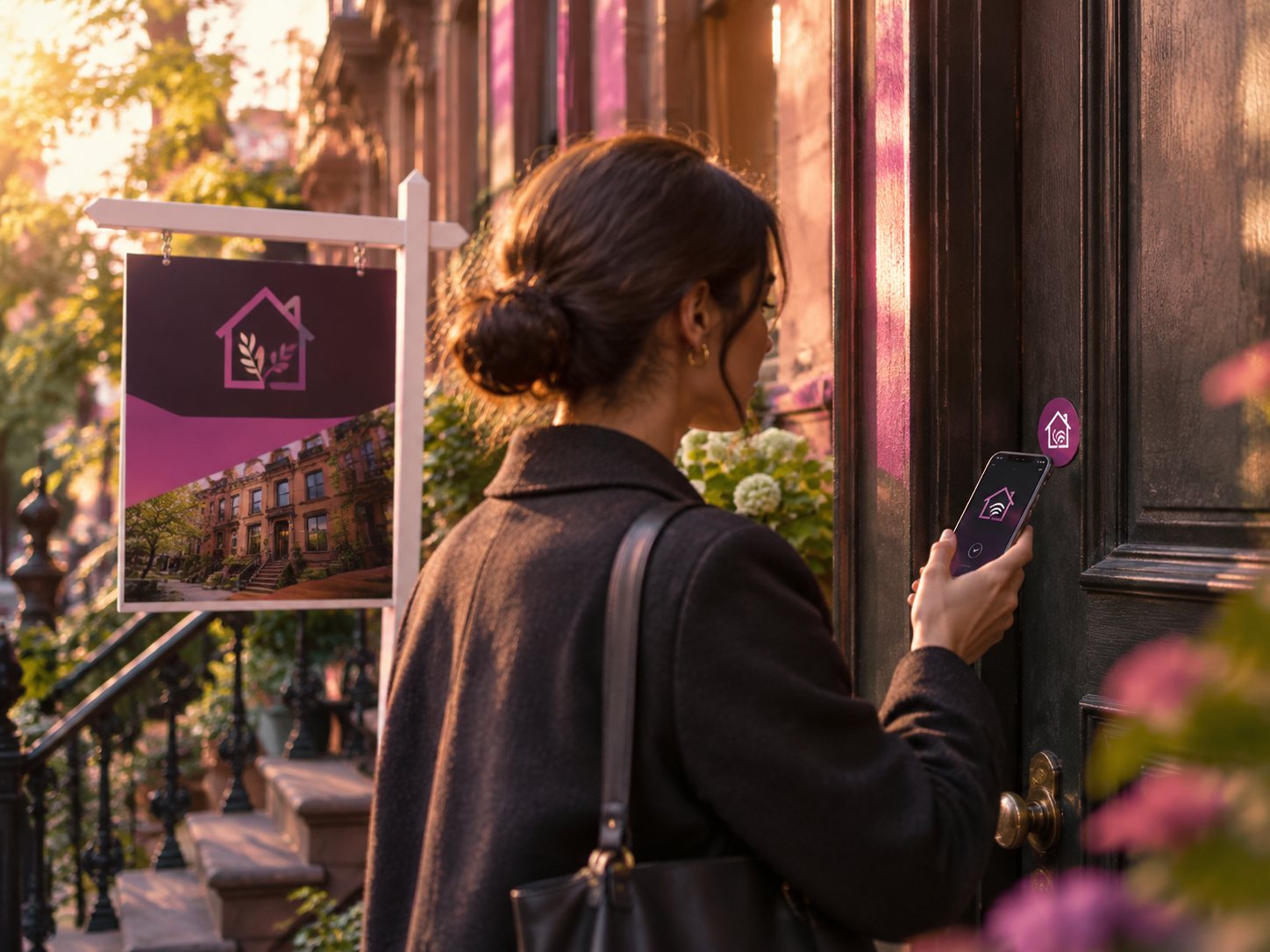
- Optional: a QR code to your menu, booking page or Digital Card
Size and placement
Put it on the door or the glass right next to it, around eye level, on the side that people read first. Keep the text large enough to read without stepping up to the glass, and leave space around it so it does not compete with other signs.
Colors
White lettering stands out on most glass. On frosted glass or a light background, use black or your brand color. Avoid thin, decorative fonts for the numbers.
When your hours change
Send the new hours and we cut a fresh set. The old decal peels off in a minute, and the new one goes on with the application guide we include.
Business hours decals start from $16.99. Add a QR that opens your Digital Card so your hours online and on the door always match.
Questions
What if my hours change?
Send the new hours and we cut a fresh set. The old one peels off in a minute.
Can I add a QR code?
Yes. It can open your Digital Card, menu or booking page.
Do you install door decals?
You can apply it yourself in minutes with the guide we include, or ask about installation.