Do NFC business cards work on iPhone?
Yes. iPhone XR, XS and every newer iPhone, plus iPhone SE (2nd generation) and later, read NFC cards automatically with no app. iPhone 7, 8 and X can read them after you turn on the NFC Tag Reader in Control Center.
Which iPhones read NFC cards automatically?
- iPhone XR, XS and XS Max
- iPhone 11, 12, 13 and every newer iPhone
- iPhone SE (2nd generation) and later
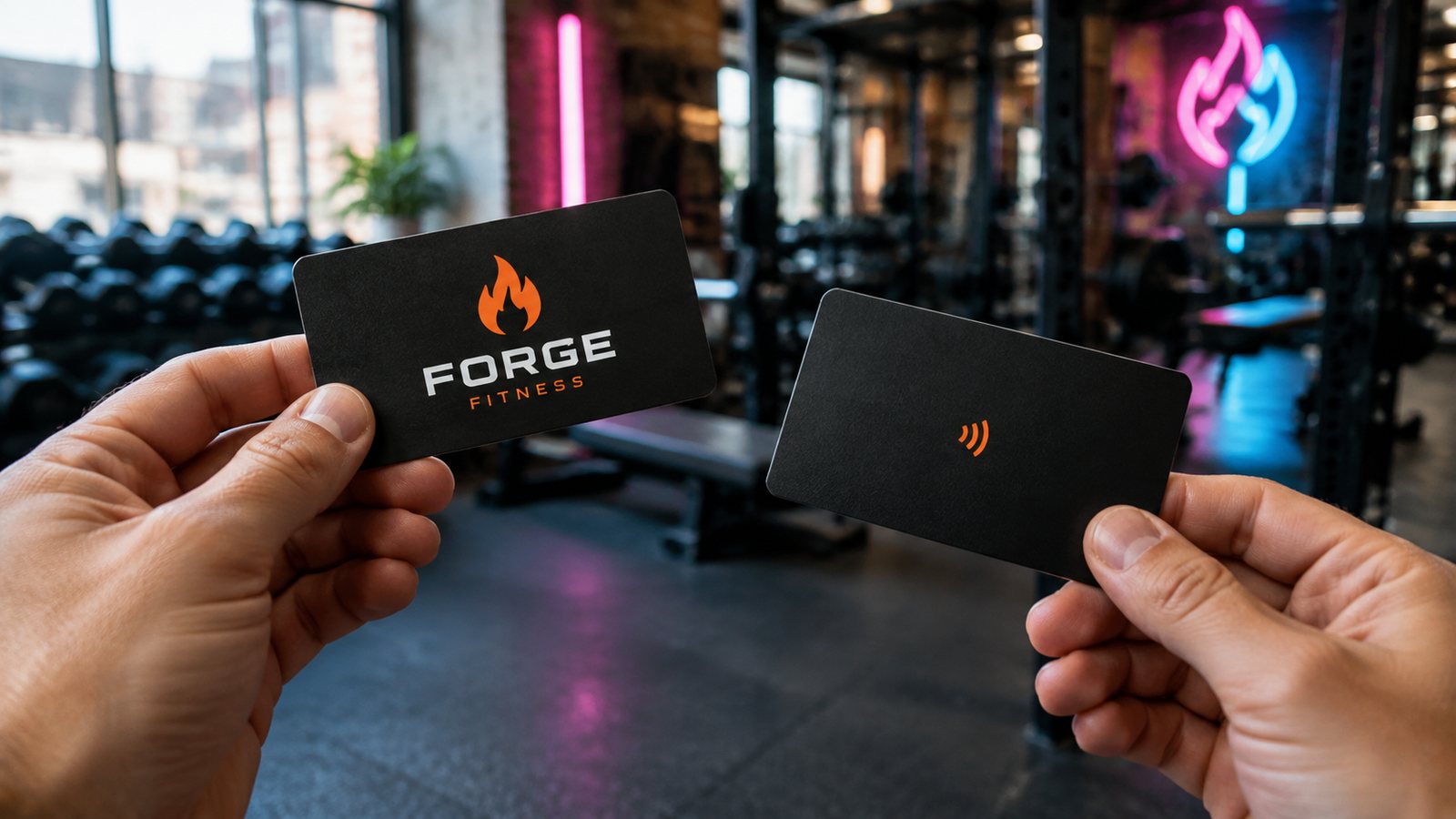
On these models the phone only needs to be unlocked with the screen on. Hold the top back edge of the iPhone against the card for a second and a banner appears. Tap the banner to open the link.
What about iPhone 7, 8 and X?
- Open Control Center.
- Tap the NFC Tag Reader button. If you do not see it, add it in Settings, Control Center.
- Hold the top of the iPhone against the card.
iPhone 6s and older have no NFC tag reading, so for those phones a QR code on the card is the backup.
Where exactly do I tap?
On iPhone the NFC antenna is at the top edge, near the camera. Touch the card to the top back of the phone, not the middle. Thick or metal phone cases can block the signal, so try once without the case if nothing happens.
Nothing happens when I tap. What should I check?
- The screen is on and the iPhone is unlocked
- You are touching the top back edge of the phone, close and still for a second
- Apple Pay Wallet and the Camera are not open at that moment
- Airplane mode is off
- The case is not metal or very thick
- On iPhone 7, 8 or X, the NFC Tag Reader is turned on in Control Center
Every Pixel Print NFC card is tap-tested on a real phone before it leaves our Brooklyn studio, and can carry a QR code as a backup.
Questions
Do iPhones need an app to read NFC business cards?
No. iPhone XR, XS and newer read them with no app. iPhone 7, 8 and X use the built-in NFC Tag Reader in Control Center.
Can an iPhone write to an NFC card?
Writing needs an app, but you never have to: we program your link before the card ships, and if it points to a Digital Card page you edit the page, not the chip.
Do NFC cards work on Android too?
Yes. Turn on NFC in Settings (search for NFC) and tap the card to the back of the phone.
Sources: Apple: models that support NFC Tag Reader · Apple Developer: background tag reading · MacRumors: 2018 iPhones support background NFC tag reading