How to get more Google reviews (the right way)
Ask every customer, right after a good experience, and make it one tap. Get your review link from your Google Business Profile, put it on a review card, sticker or QR code at the counter, and never offer anything in exchange: Google prohibits incentivized reviews.
Step 1: get your Google review link
- On a computer, open business.google.com and sign in.
- Click Read Reviews, then Get more reviews.
- Click Copy to copy the link, or save the QR code image.
Google currently creates the review QR code only in a computer browser, not on the mobile app.
Step 2: make it one tap
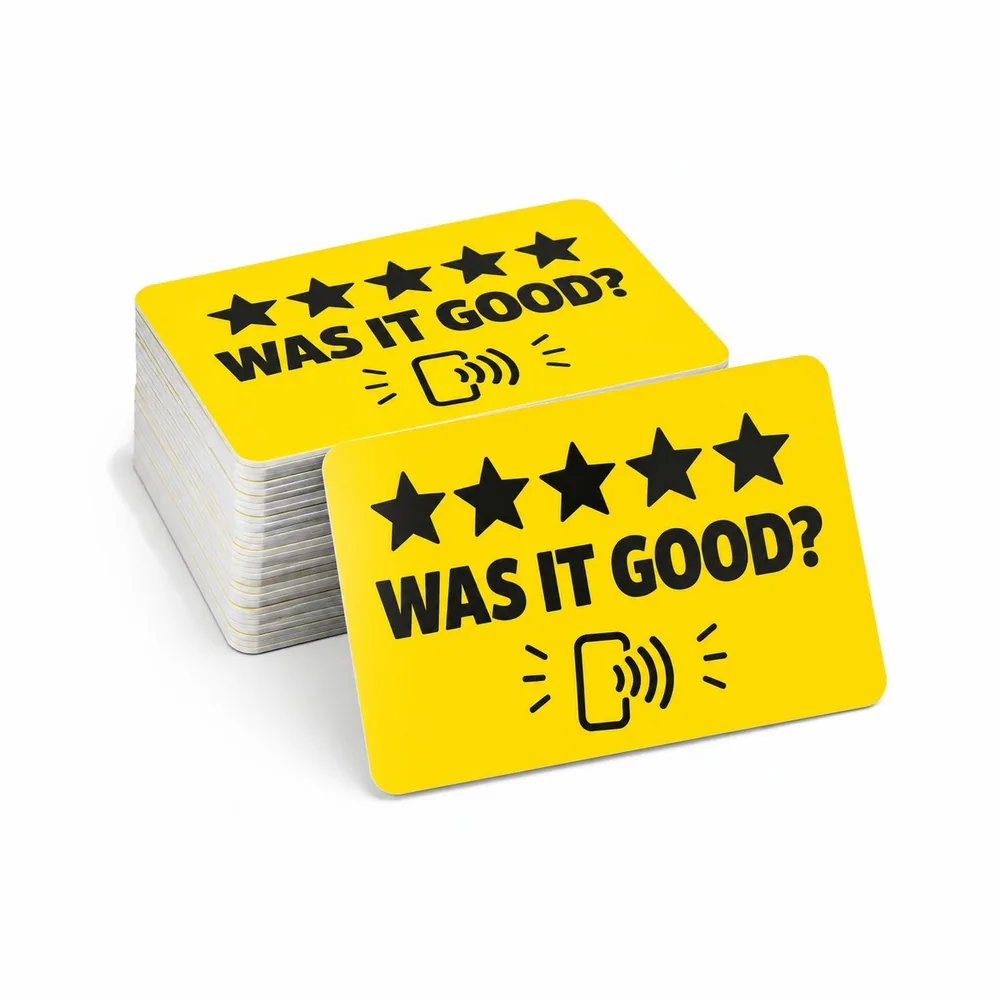
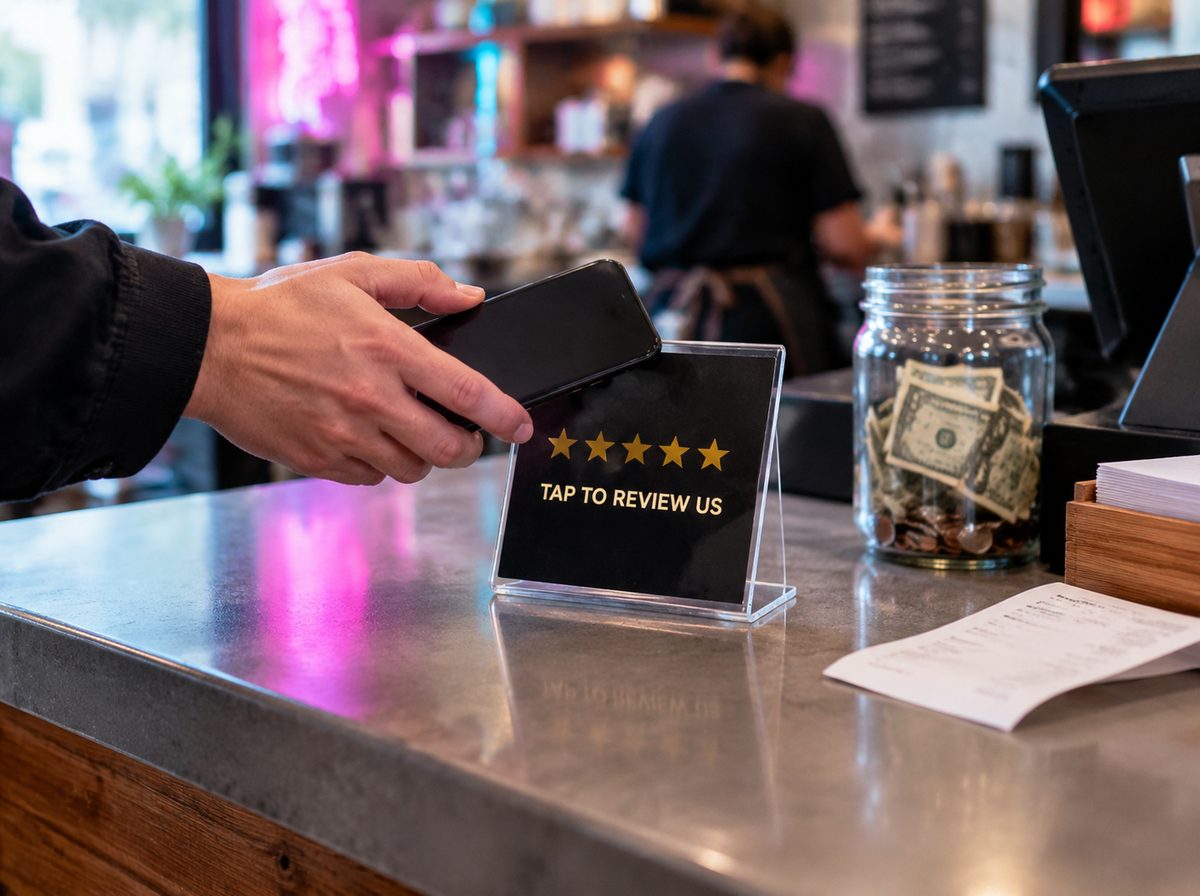
- A Google Review NFC card at the register: the customer taps and the review form opens
- A review sticker on the counter, table or door
- A QR code on receipts, menus and packaging
- A short text or WhatsApp after the job with the link
The fewer steps between "thanks, that was great" and the review form, the more reviews you get. Customers must be signed in to a Google account to post.
Step 3: ask at the right moment
Ask when the customer is happiest: when they pick up the order, see the finished job, or say thank you. A simple line works: "Would you mind leaving us a quick Google review? Just tap here."
What Google does not allow
- Offering discounts, free items or money for reviews
- Offering to change or remove negative reviews in exchange for something
- Writing reviews for your own business or asking staff to
Google treats incentivized reviews as fake content and can remove them or restrict your profile. Ask everyone, not only the customers you expect to be happy: a mix of feedback looks more trustworthy anyway.
Questions
Can I give a discount for a Google review?
No. Google's policy prohibits offering free or discounted goods or services in exchange for reviews.
Can customers leave a review without a Google account?
No. They must be signed in to a Google account.
How does a review NFC card work?
The chip stores your Google review link. The customer taps it with their phone and the review form opens, no searching.
Sources: Google Business Profile Help: Create a link or QR code to request reviews · Google Business Profile Help: Tips to get more reviews · Google: Prohibited & restricted content