What to put on a digital business card
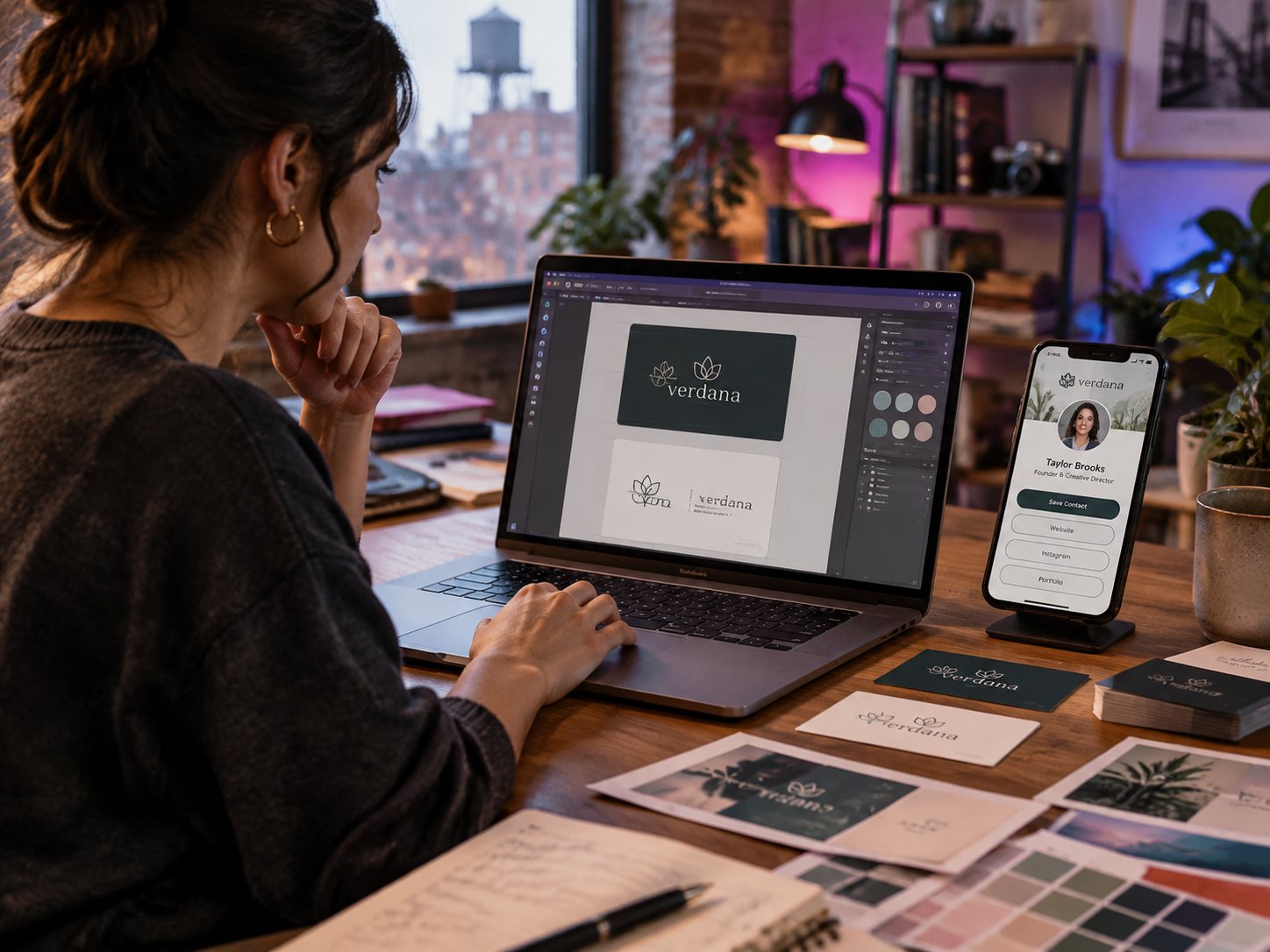
Your name and photo, one line about what you do, a big "save contact" button, and the one action you want people to take next (book, call, message or visit your site). Then socials and proof. Keep it short: people look at it for a few seconds.
The must-haves
- A clear photo of you or your logo
- Your name, title and company
- One line about what you do and for whom
- A "save contact" button so your details land in their phone
- Your main action: book a call, get a quote, see the menu, WhatsApp
Nice to have
- Instagram, TikTok, LinkedIn and other socials
- A small gallery of your work
- Your Google reviews link or rating
- Business hours and address if people visit you
- A short lead form so people can leave their contact
What to leave out
- Long paragraphs about your history
- Ten buttons with the same weight: pick one main action
- Links you do not check, like an old email
Make it work with a tap
Put the page on an NFC card and a QR code. Then every tap or scan opens the same page, and you can update it any time without reprinting.
Pixel Print's Digital Card is free: 10 themes, 50+ social icons, save-contact button, lead form and tap analytics. Build one in a few minutes, no credit card.
Questions
Is a digital business card free?
Pixel Print's Digital Card page is free, with no credit card. The physical NFC card is a one-time purchase.
Can I update my digital card after I share it?
Yes. Edit the page and everyone who has your link or card sees the new version.
Should I still carry paper business cards?
Many people do for situations where a tap is awkward. An NFC card with a QR code covers both.