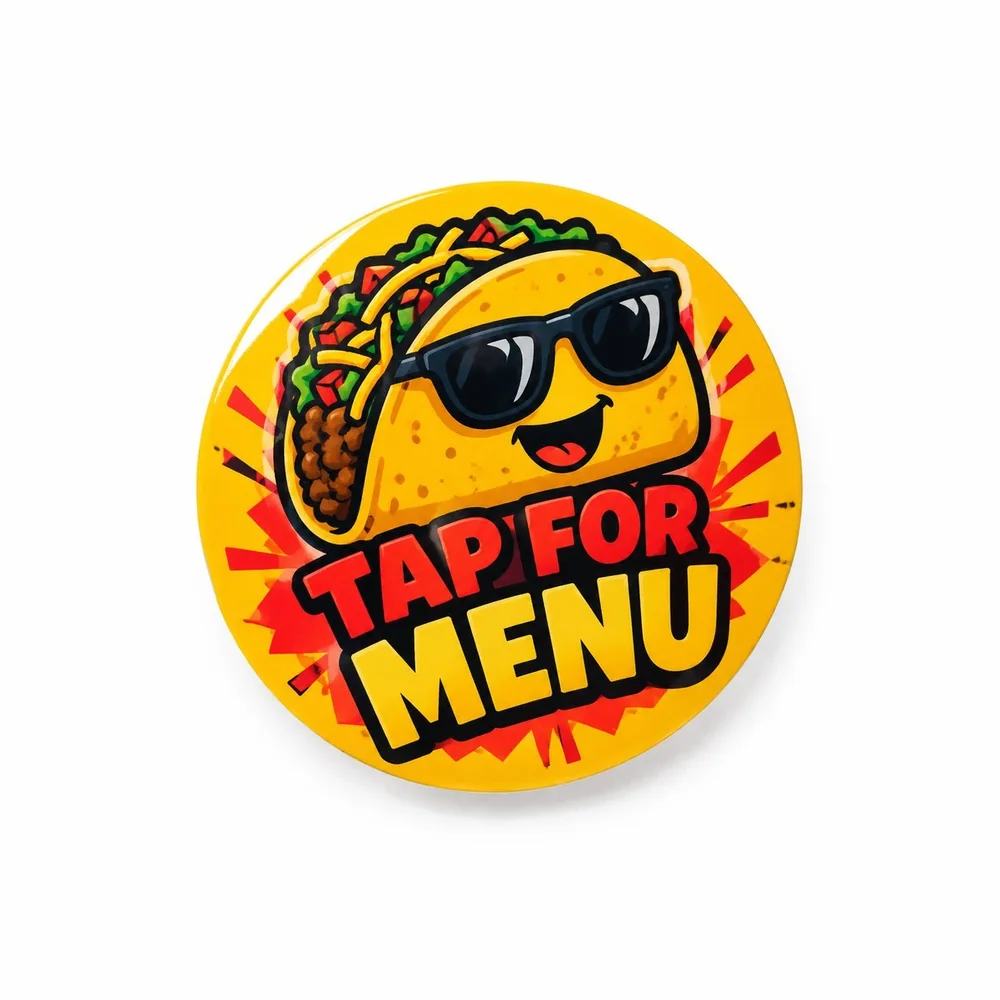
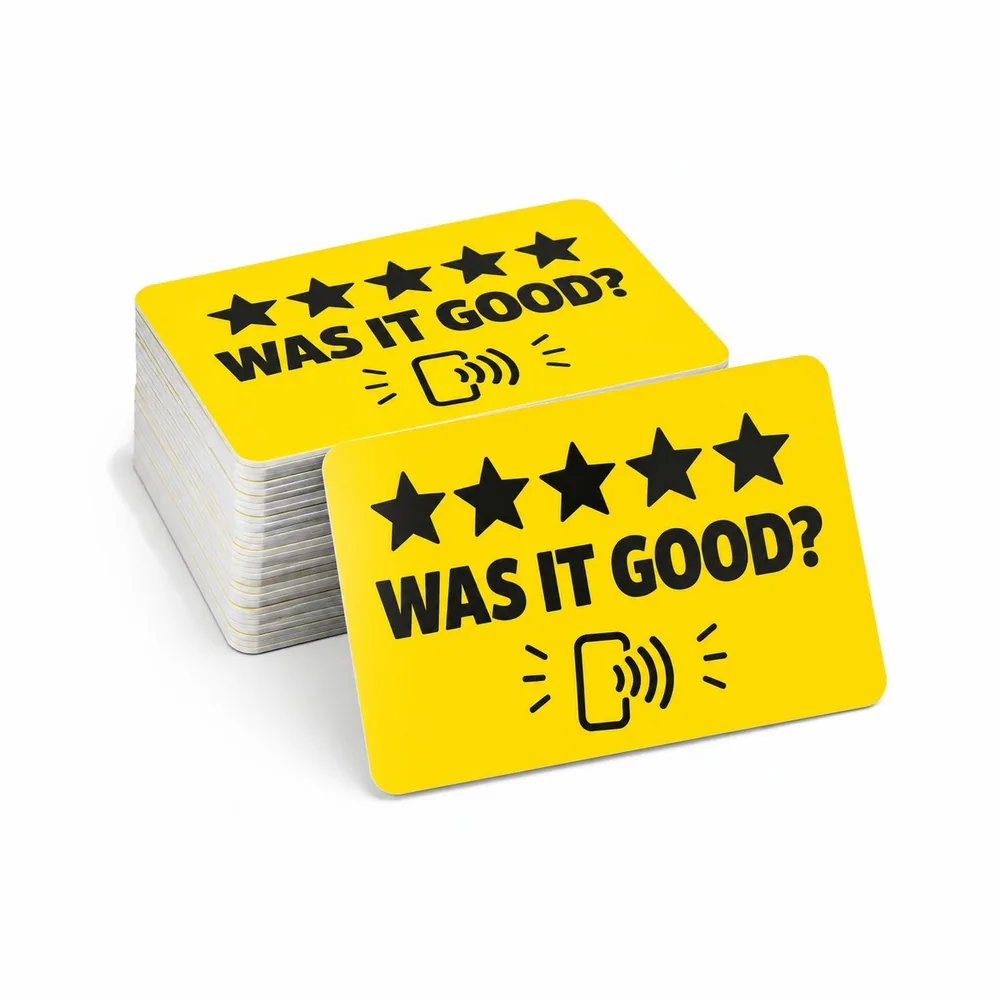
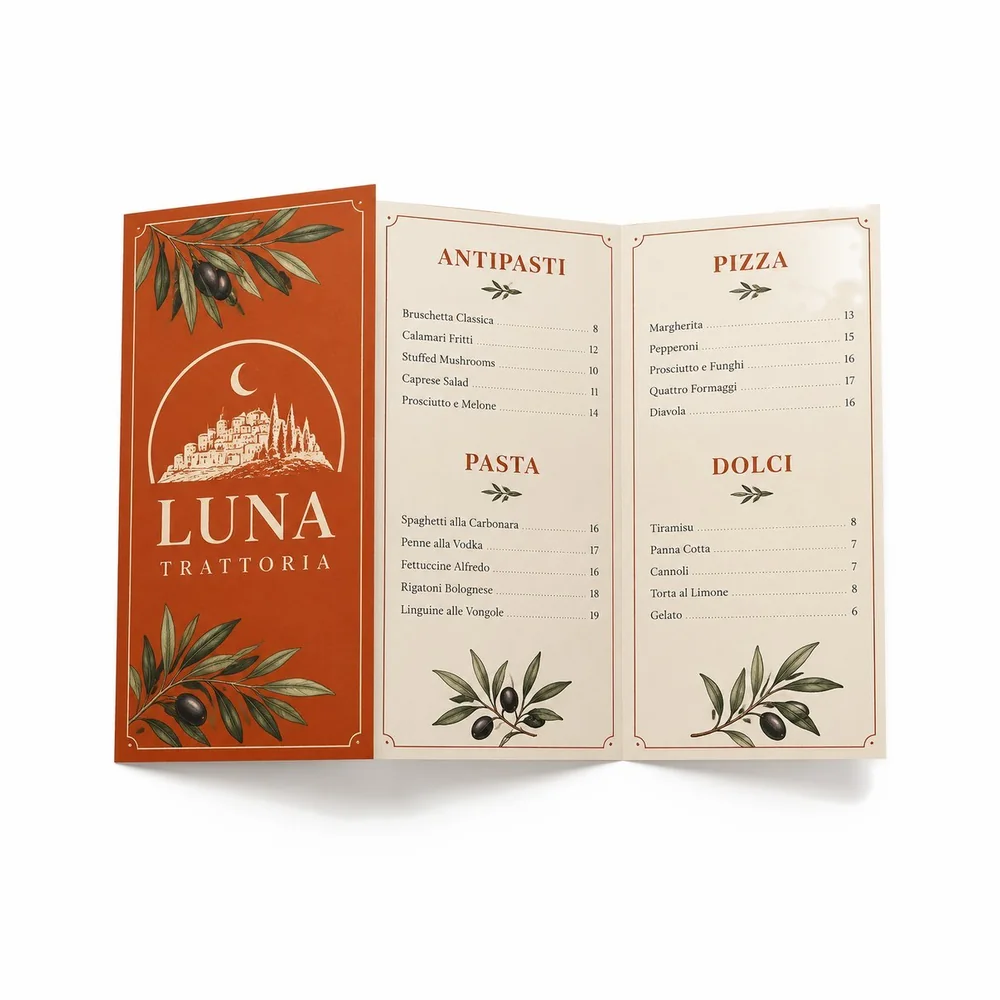
NFC table stickers for restaurants
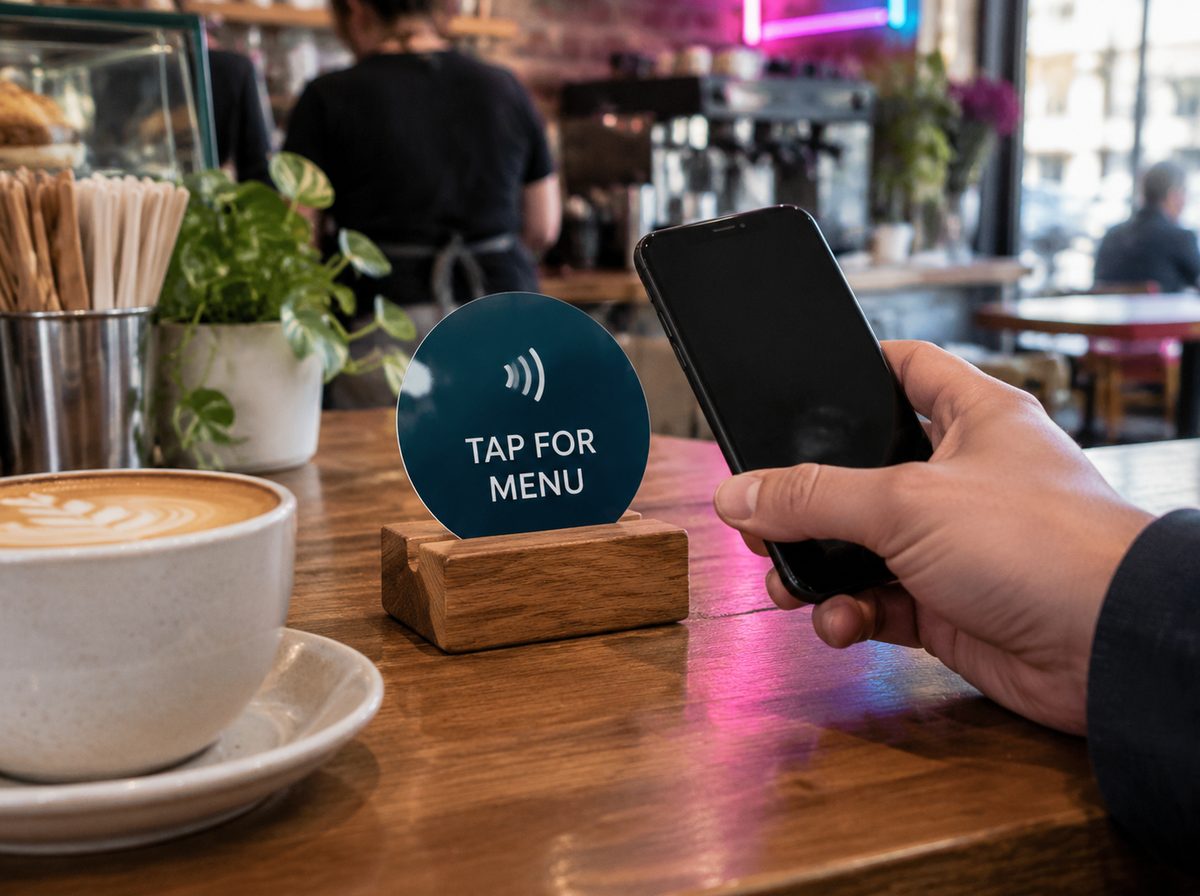
An NFC sticker on the table lets guests tap their phone to open your menu, ordering page or Google review form, no camera needed. Put a QR code next to it for older phones, and use on-metal tags if your tables are metal.
What the sticker can open
- Your menu or today's specials
- Online ordering or pay-at-table page
- Your Google review form
- A page with Wi-Fi details, hours and allergens
- Instagram, to turn diners into followers
Where to place it
- Table corner or center, visible but out of the way of plates
- Counter and register for reviews and loyalty
- Front window or door so people can open the menu when you are closed
- Takeout bags and boxes for reorders
Metal tables need a different tag
Standard NFC stickers may not be detected when stuck directly on metal, because the metal interferes with the signal. On metal tables use an on-metal tag, which has a shielding layer, or mount the sticker on a small acrylic or wood holder. Tell us your table material when ordering.
Pair NFC with a QR code
Most modern phones read NFC, but a printed QR next to the tap zone covers everyone. Point both to the same link so you only update one page.
Change the link without new stickers
Point the stickers to a page you control, like a free Digital Card or your menu page. Change the page and every sticker opens the new version. For reviews, see how to get more Google reviews.
Custom NFC stickers start from $10, round or square, printed with your logo and a "tap here" prompt.
Questions
Do guests need an app to use NFC table stickers?
No. Modern iPhones and Android phones open the link with a tap.
Will an NFC sticker work on a metal table?
A standard one may not. Use an on-metal tag or mount the sticker on a non-metal holder.
Can I change what the sticker opens?
Yes, if it points to a page you control. Update the page and every sticker shows the new content.
Sources: GoTo Tags: on-metal tag